Keyboard
GDevelop gives access to all inputs made on the keyboard. This includes conditions to check if a key was pressed or released.
Warning
Keyboard conditions do not detect the on-screen keyboard of touch devices. When making a game for mobile or touchscreen devices, use the mouse and touch conditions instead, or a Text Input object.
Any key pressed / Any key released
These conditions are true when any key on the keyboard is pressed (or released), regardless of which one. They are useful for "press any key to continue" screens. To know which key it was, use the Last pressed key expression.
Key pressed
Whenever the selected key is held down, the corresponding actions are performed. This stays true for as long as the key remains held.
Key just pressed
This condition is true only during the single frame when the key goes down. Use it when an action should happen once per key press (for example, jumping or firing) instead of repeating every frame while the key is held.
Key released
Whenever the selected key is released, the corresponding actions are performed.
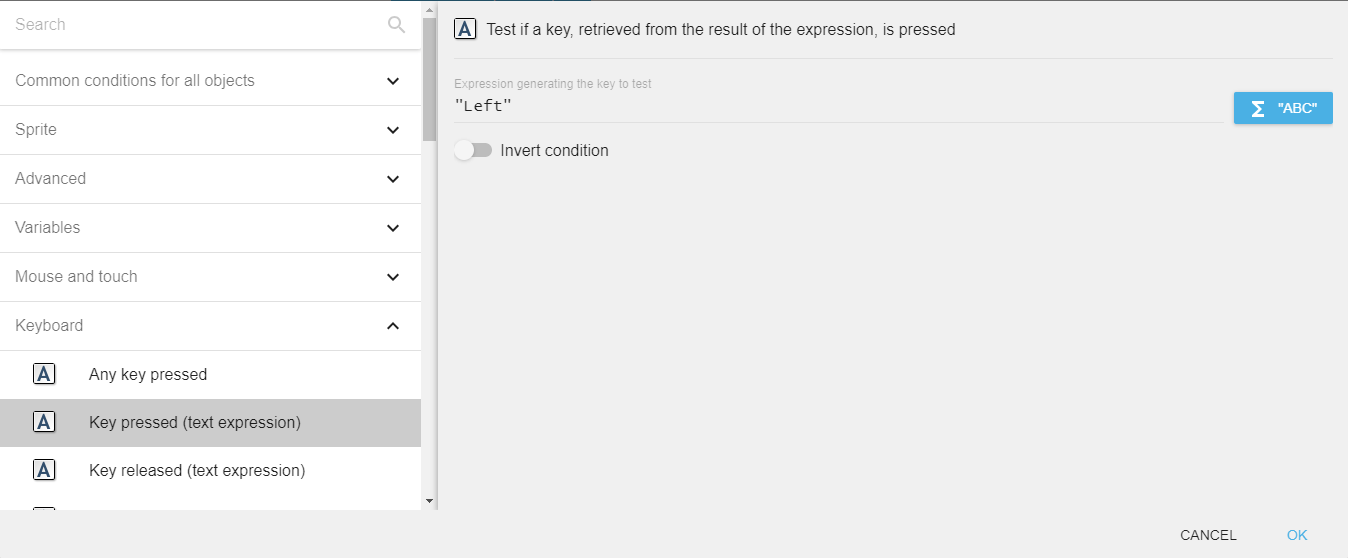
Key pressed (text expression)
To test a key press using this condition, you need to enter the key name in the form of text expression. For example, if you want to check condition for left arrow key press, you need to enter "Left" in the field. This stays true for as long as the key is held down.
This variant is useful when the key to check is computed dynamically (for example, read from a variable for customizable controls).
Danger
Make sure that the key name is surrounded by quotes.
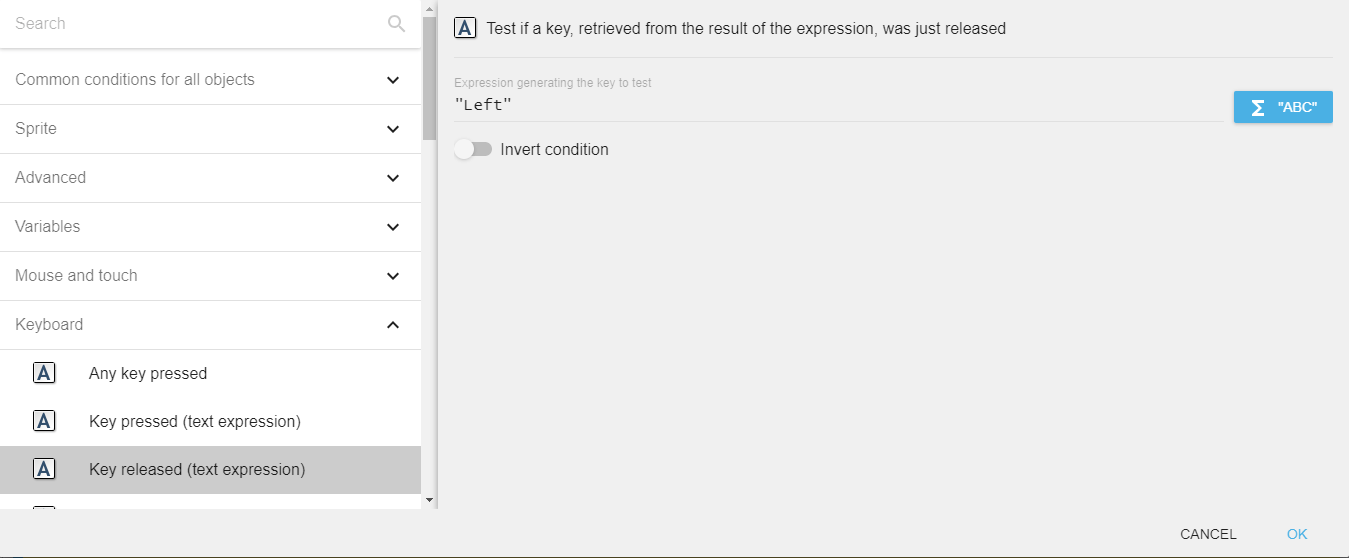
Key released (text expression)
To test a key release using this condition, you need to enter the key name in the form of text expression. For example, if you want to check condition for left arrow key release, you need to enter "Left" in the field.
Key names
The key name is case sensitive. Valid names include:
- Letters:
atoz(lowercase). - Number row:
Num0toNum9. Numeric keypad:Numpad0toNumpad9. - Arrow keys:
Left,Up,Right,Down. - Modifiers:
LShift,RShift,LControl,RControl,LAlt,RAlt,LSystem,RSystem(left/right variants). - Function keys:
F1toF12. - Editing/navigation:
Space,Return,Tab,Back(backspace),Delete,Insert,Escape,Home,End,PageUp,PageDown,Menu,Pause. - Punctuation:
SemiColon,Comma,Period,Quote,Slash,BackSlash,Equal,Dash,LBracket,RBracket,Tilde. - Keypad operators:
Add,Subtract,Multiply,Divide.
Note that there is also a Key just pressed variant of this condition, true only during the frame when the key goes down.
Last key pressed
The "Last pressed key" expression returns the name of the last key pressed, as a string. For example, if the last key pressed is the left arrow key, the expression returns "Left". This is the easiest way to find out which key a player pressed, for instance when setting up customizable controls.
Reference
All actions, conditions and expressions are listed in the keyboard reference page.